How to open sim card tray iphone
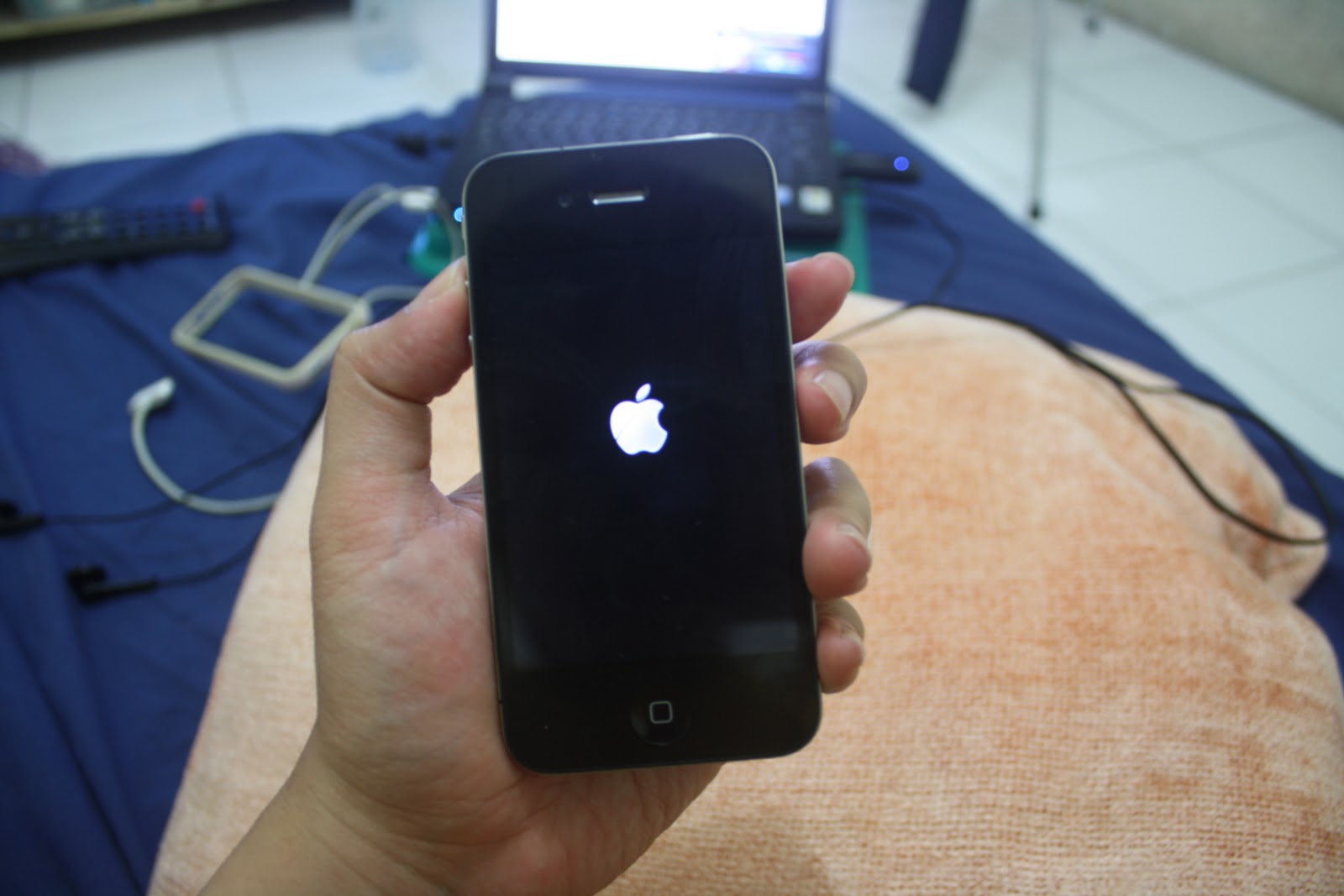

so I'm browsing on youtube how to do it, and it was easy just like when you open a jammed cd drive if you've been there, for more details see the following video
Directions:
1) Locate the MicroSIM Slot
2) Use the iclip (or paperclip if you don't have one) align the point with the pinhole
3) Push in until the tray slide out
4) Remove the tray and fit the microsim card into it
5) Align the two pin holes and reinsert the tray into the phone
6) Press the tray into the phone and that's it!


Komentar
Posting Komentar